GSC Magic
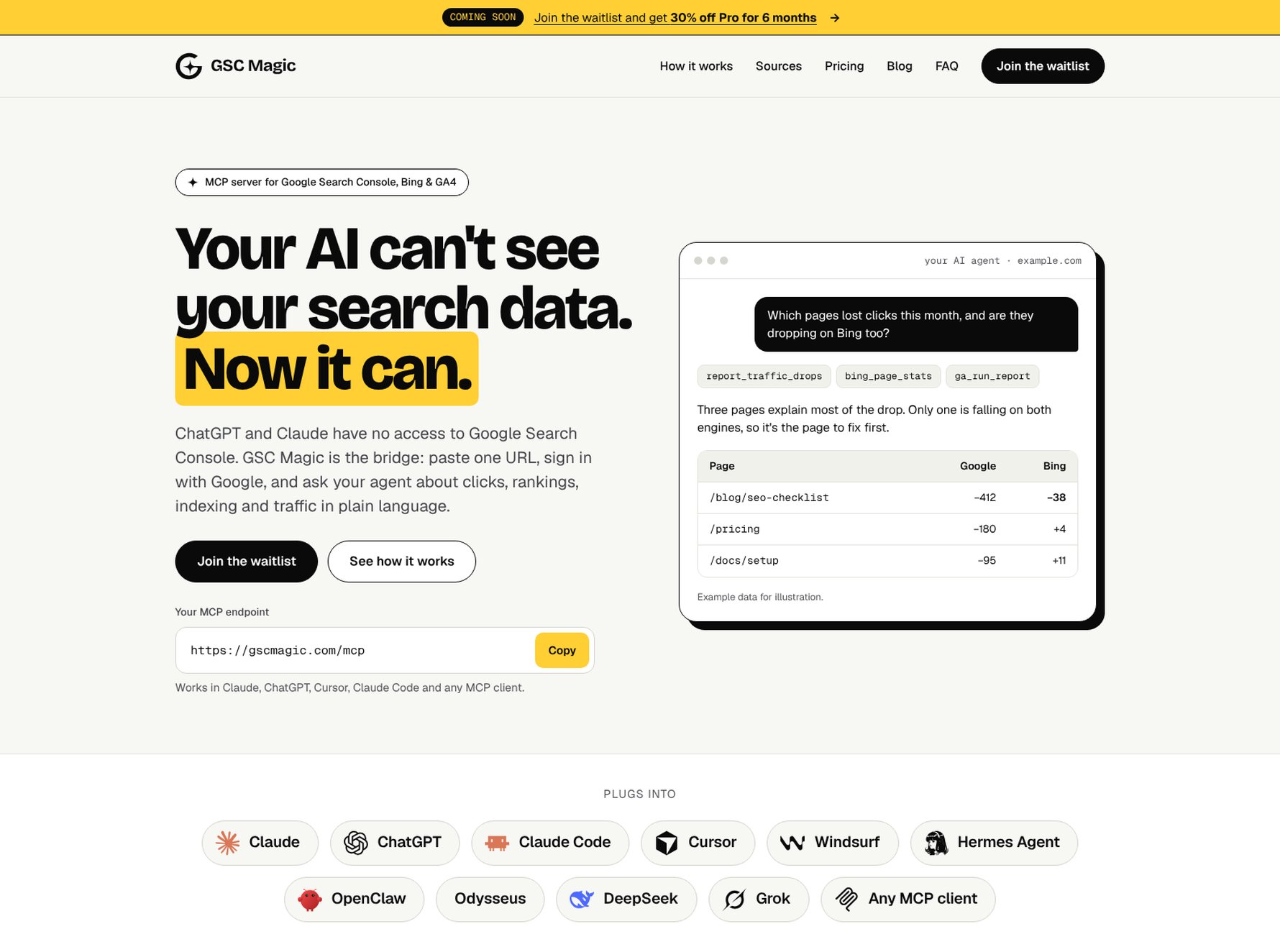
An MCP server that gives Claude, ChatGPT and AI agents like Hermes or OpenClaw your real search data — Google Search Console, Bing Webmaster Tools and GA4 in one connector. Add one URL, sign in with Google, ask like you'd ask an SEO.
- TIMELINE
- 2026
- TYPE
- SAAS / MCP SERVER
- STACK
- TYPESCRIPT + NODE 22 / MCP SDK / POSTGRESQL / REACT + VITE
- STATUS
- [LIVE]
- LINK
- GSCMAGIC.COM
The itch
My AI agents could write, research and publish — but they were blind to the one thing that tells you whether any of it works: search data. Every SEO question started the same way: open Search Console, export a CSV, paste it into a chat, hit the context limit, repeat for Bing, repeat for GA4.
GSC Magic removes the CSV step. The agent gets the source instead of a screenshot of it.
See it work
Two unedited recordings from my phone. Same lazy question in both — “Hey how look my google search console data from my website localwaifu.com” — asked in Claude and in ChatGPT, both connected to GSC Magic. The numbers are the real ones for Local Waifu.
Both found the same thing without being told where to look: clicks up roughly 50% month over month, impressions up 60–70%, and two posts — AI companion apps without internet and Can your ISP see your AI companion chats — sitting on page one with a CTR near 1%. Together those two have more impressions than the homepage. Rewriting their titles is the cheapest win on the site, and it took sixteen seconds to find out.
How it works
- Add one URL. Put
gscmagic.comin as a connector in Claude, ChatGPT, Claude Code, Cursor, Windsurf, autonomous agents like Hermes and OpenClaw, or any other client that supports remote MCP servers. In the chat apps that’s a settings screen; in an agent it’s one MCP server entry in its config. - Sign in with Google. Read-only access. No client secrets, JSON keys or service accounts to create.
- Ask. In plain language, in any language, about any site in your Search Console.
The heavy lifting runs server-side. A raw Search Console export for a real site is tens of thousands of rows; dump that into a model and it truncates silently or burns its context on numbers it never uses. GSC Magic hands the agent a finished answer instead.
What the agent can see
- Google Search Console — queries, pages, countries and devices, URL inspection, sitemap status.
- Bing Webmaster Tools — query and page stats, keyword data, inbound links, crawl issues, IndexNow submissions.
- Google Analytics 4 — sessions, engagement and conversions per landing page, plus traffic arriving from AI assistants.
- Core Web Vitals and PageSpeed — field data from CrUX with history, and on-demand Lighthouse audits.
On top of the raw tools sit ready-made reports that return comparisons, not rows:
- Quick wins — queries in positions 4–20 with real impressions.
- Traffic drops and content decay — what’s losing clicks, and since when.
- Cannibalization — your own pages competing for the same query.
- CTR outliers — pages that rank and still don’t get clicked.
- Index health — what Google indexed versus what your sitemap claims.
- Google vs Bing — where one engine likes you and the other doesn’t.
The workflow I built it for
Writing the blog against live data instead of guesses. Before a single word gets written, the agent answers four questions:
- What’s leaking? Pages with impressions and no clicks get a new title and meta description first.
- What am I almost ranking for? Queries on page two become the next posts.
- What’s decaying? Old posts losing clicks get refreshed before anything new is written.
- Did last month’s changes work? Same question four weeks later; the agent compares before and after itself.
The data and the writing finally live in the same conversation. Hand the same connector to an always-on agent like Hermes or OpenClaw and it can run those four questions on a schedule, without you opening a chat. The full walkthrough is in GSC Magic is live.
Read-only by default
Software that touches someone’s search data has to earn trust before it earns money, so the defaults are boring on purpose:
- sign-in asks for read-only access; write tools (sitemaps, IndexNow) are opt-in, with a separate Google consent,
- OAuth is handled for you — no client secrets or JSON keys to juggle,
- tokens are encrypted at rest, and you can disconnect, export or delete everything in one click.
Priced like a tool, not a platform
A free plan for one site, Pro at $19/month for up to ten sites and full history, and an Agency plan at $35/month with team seats and client reports. Every data source is on every plan — the plans differ in how much, not in what.
Where it is now
Live, and open to everyone — connect it at gscmagic.com and ask your assistant the laziest possible question about your own site.
It’s the same pattern as the rest of my products: I built it because my own agents needed it, then noticed other people’s agents need it too. Like Postsider, it’s built for AI agents as first-class users.